Friday, 13 July 2012
How To Create a Cubist Style Logo Design in Illustrator
 10:11 am |
  Posted by
pixelfloss
Posted by
pixelfloss
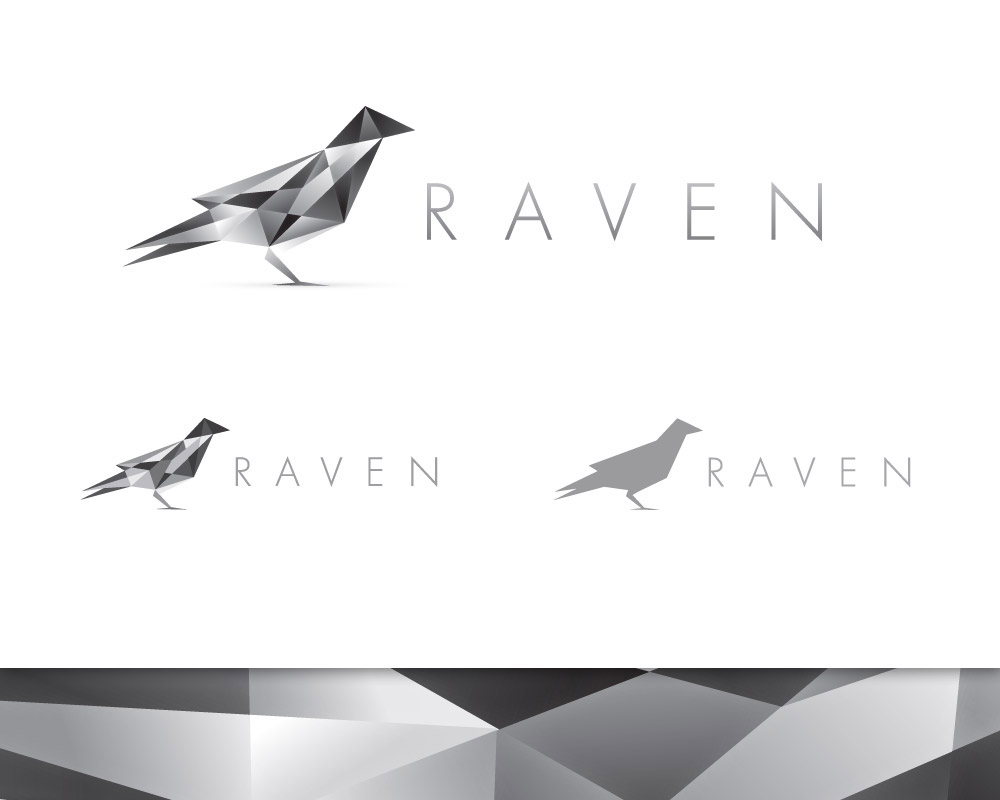
Follow this logo design process walkthrough to see the making of a
cubist style logo design made up of lots of detailed vector facets. Not
only will we be creating the actual design in Adobe Illustrator, but
I’ll also be describing the whole logo design process in this tutorial,
from the initial sketches right through to finishing off the final
design.


How To Create a Grumpy Troll Character in Illustrator
Follow this step by step Illustrator tutorial to create a grumpy
Internet troll character. We’ll start the process with a basic pencil
sketch then build up a complete vector character design with linework,
colour fills and basic shading to create a funny cartoon mascot.


How To Create a Beautiful Vector Portrait in Illustrator
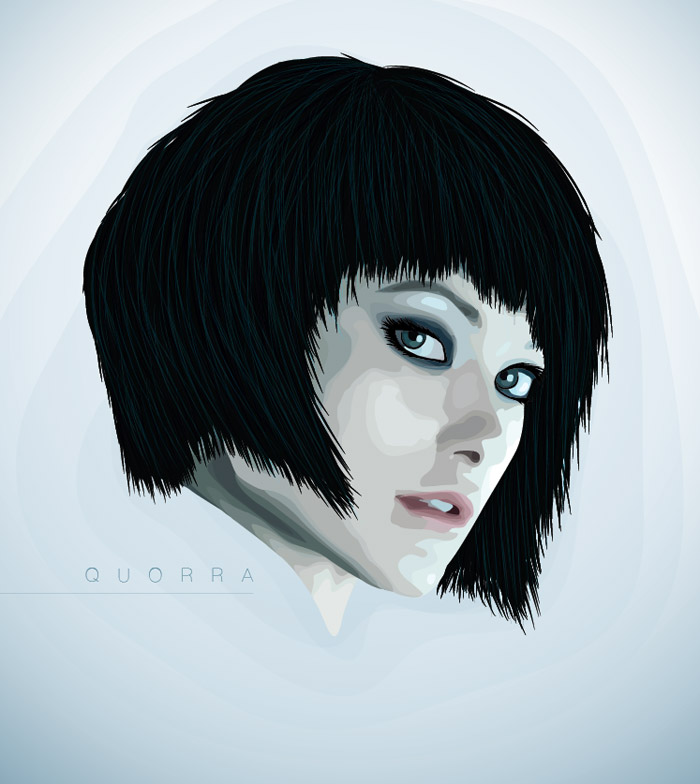
I’ve always love browsing the amazing style of art known as Vexel
illustration and recently I decided to finally give it a go myself.
Follow this step by step tutorial for the making of my first vector art
portrait of Tron Legacy’s Quorra. Learn how the portrait is carefully
traced and vectorized in Adobe Illustrator to create an interesting
vexel style design.

How To Give Your Photos a Dark Processed Lomo Effect
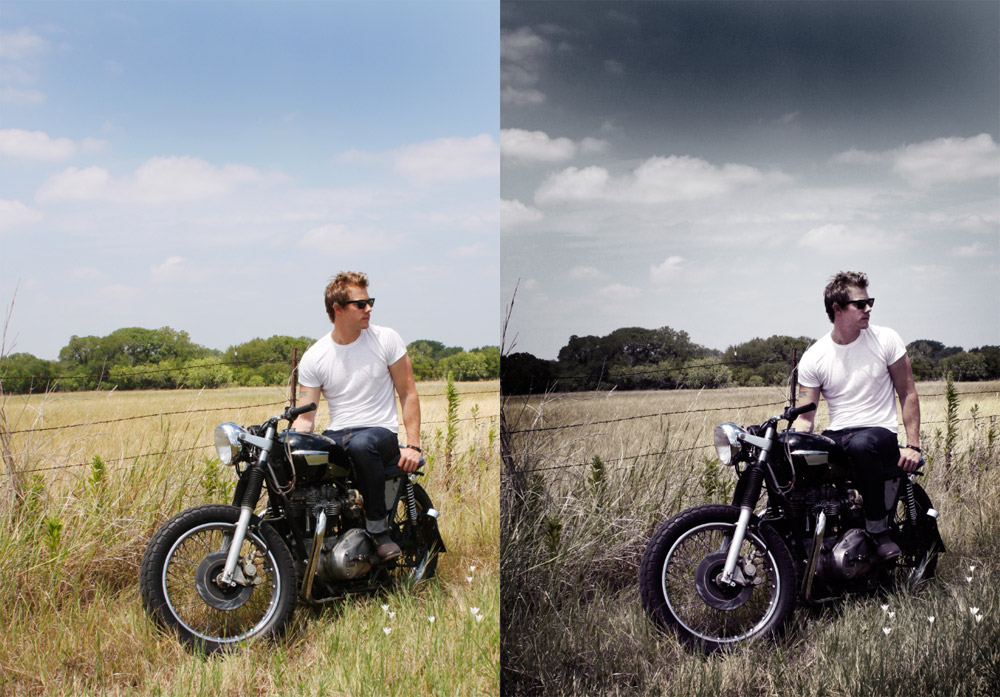
Follow this step by step post processing guide to give your photos a
dark lomo style effect with high contrast, blue tones and vignette
burns. The effect is based on the popular lomographic technique and is
similar to the processing effect used in many fashion shots and
advertisement designs. Overall this effect does a great job of adding
impact to a plain photography with cool colour casts and unusual
saturation.

Create an Abstract Design with Patterns in Photoshop
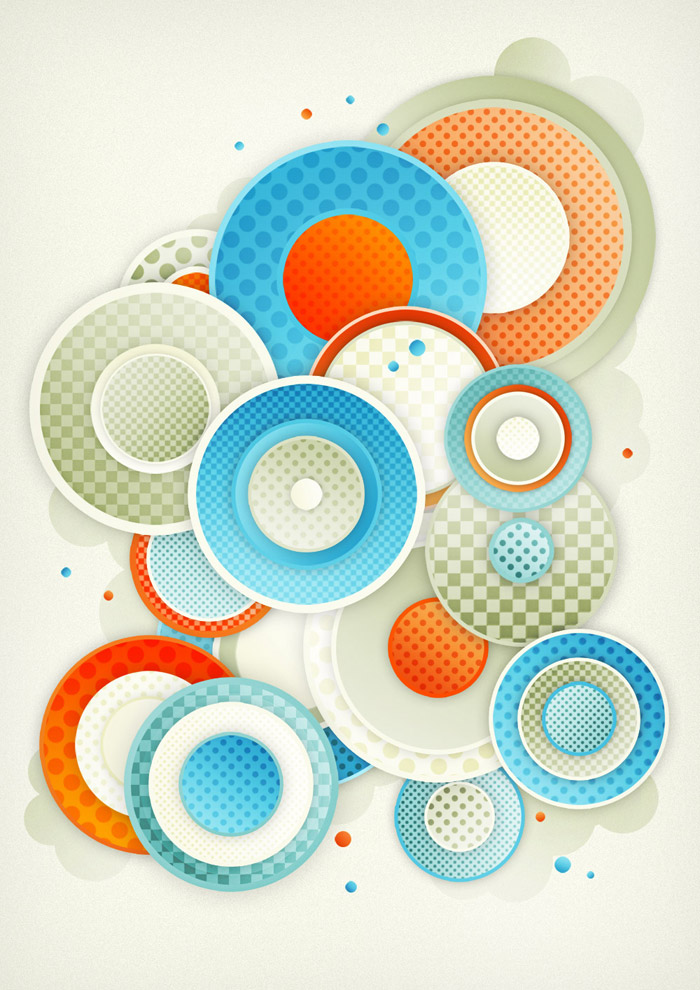
’ve just finished up another little digital art experiment where I
set out to build something cool and abstract out of Photoshop patterns
and simple shapes. Follow this walkthrough as I take you through the
steps I took to recreate this detailed design with nothing more than
gradient and pattern effects.

Create a Bright Retro Grunge Vector Illustration
Follow these steps in Adobe Illustrator and Photoshop to create a
range of vector shapes and graphics that can be combined into a great
looking vector collage illustration. We’ll then finish off the
illustration with some subtle touches of depth and detail, giving a
polished graphic with hints of a retro-grunge style.

The header design here on Blog.SpoonGraphics has received many comments of praise and has been the subject of a good few questions and tutorial requests over the past year. So, I thought it was about time I created something which covers some of the processes of creating a similar graphic style. We’ll be using many of the same techniques I originally used in the website design, combined with some additional steps to create this neu-retro clean-grunge pop culture vector illustration.
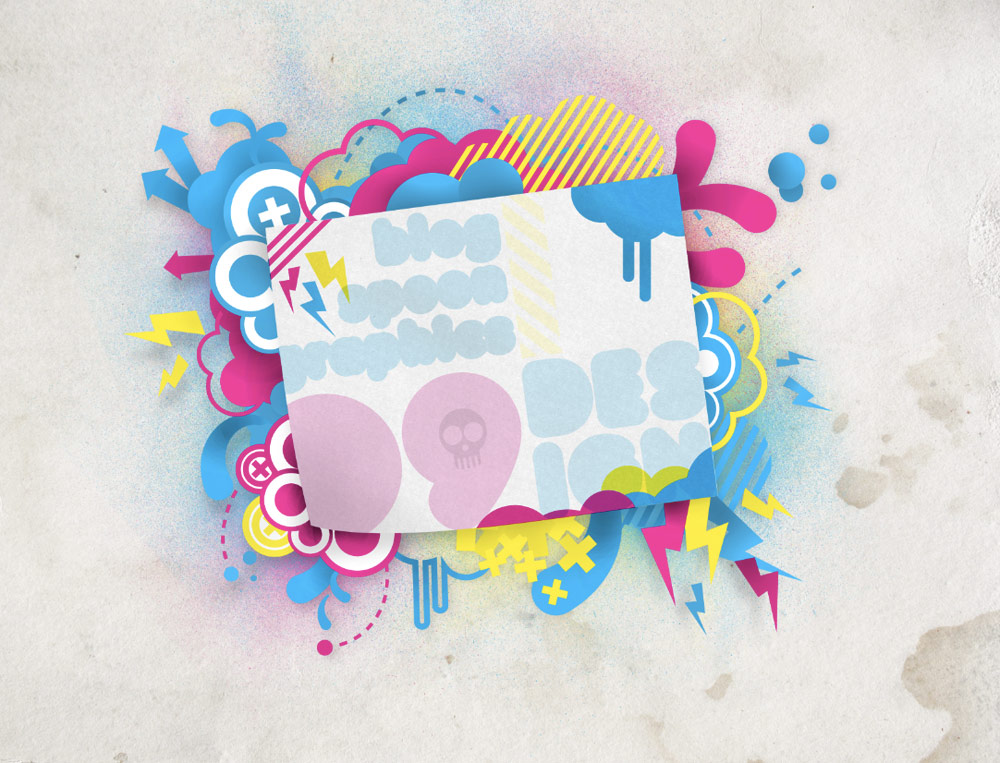
The header design here on Blog.SpoonGraphics has received many comments of praise and has been the subject of a good few questions and tutorial requests over the past year. So, I thought it was about time I created something which covers some of the processes of creating a similar graphic style. We’ll be using many of the same techniques I originally used in the website design, combined with some additional steps to create this neu-retro clean-grunge pop culture vector illustration.


Subscribe to:
Posts (Atom)
Popular Posts
-
Follow these steps in Adobe Illustrator and Photoshop to create a range of vector shapes and graphics that can be combined into a great lo...
-
Today we’re going to learn how to create a super creative collage effect, using a range of photo manipulation, blending and compositional ...
-
Final Product What You'll Be Creating A few times a each month we revisit some of our reader’s favorite posts from t...
-
Follow this Photoshop tutorial to create an awesome distorted type design. Using a range of Photoshop brushes we’ll create the appearance ...
-
I’m sure we all remember painting with sponge (or potato!) stamps as a child, but back then we didn’t really appreciate the cool distressed...
-
’ve just finished up another little digital art experiment where I set out to build something cool and abstract out of Photoshop patterns ...
-
Follow this step by step post processing guide to give your photos a dark lomo style effect with high contrast, blue tones and vignette bu...
-
 This a tutorial shows you how to give any normal face ia typography texture and this is the final result :
 -
When you see something that inspires you – a new movie, a phrase in a book, or a beautifully designed poster, for example – how do you r...


